



Watch the video walkthrough on Loom
In today's cybersecurity landscape, businesses are constantly bombarded with new threats. Cybercriminals use everything from phishing emails to malicious scripts to breach systems and steal sensitive data. Traditional security tools like antivirus software and firewalls help, but they aren't enough.
At MJN Technology, we use multiple layers of security to protect our clients. If I had to pick just one tool that makes the biggest impact, it would be ThreatLocker—a powerful application whitelisting solution that blocks unauthorized software from running.
Most cybersecurity strategies rely on blacklisting—blocking known threats while allowing everything else to run. The problem? New malware emerges daily, and blacklists can't keep up.
Application whitelisting takes the opposite approach. Instead of blocking bad programs, it blocks everything by default. Nothing runs unless it's explicitly approved by IT.
With ThreatLocker, no software, updates, Chrome extensions, scripts, or unknown files can be executed unless they have been pre-approved. This means:
As an IT provider, we use ThreatLocker to whitelist only the applications our clients need for business operations.
For example, let's say we have a CPA firm that uses QuickBooks and Lacerte. We whitelist these programs so employees can work without interruptions. But if someone tries to install a new version or a different software, it gets blocked.
If they need a new program, they submit a request. We then:
One of the biggest advantages of ThreatLocker is real-time security checks.
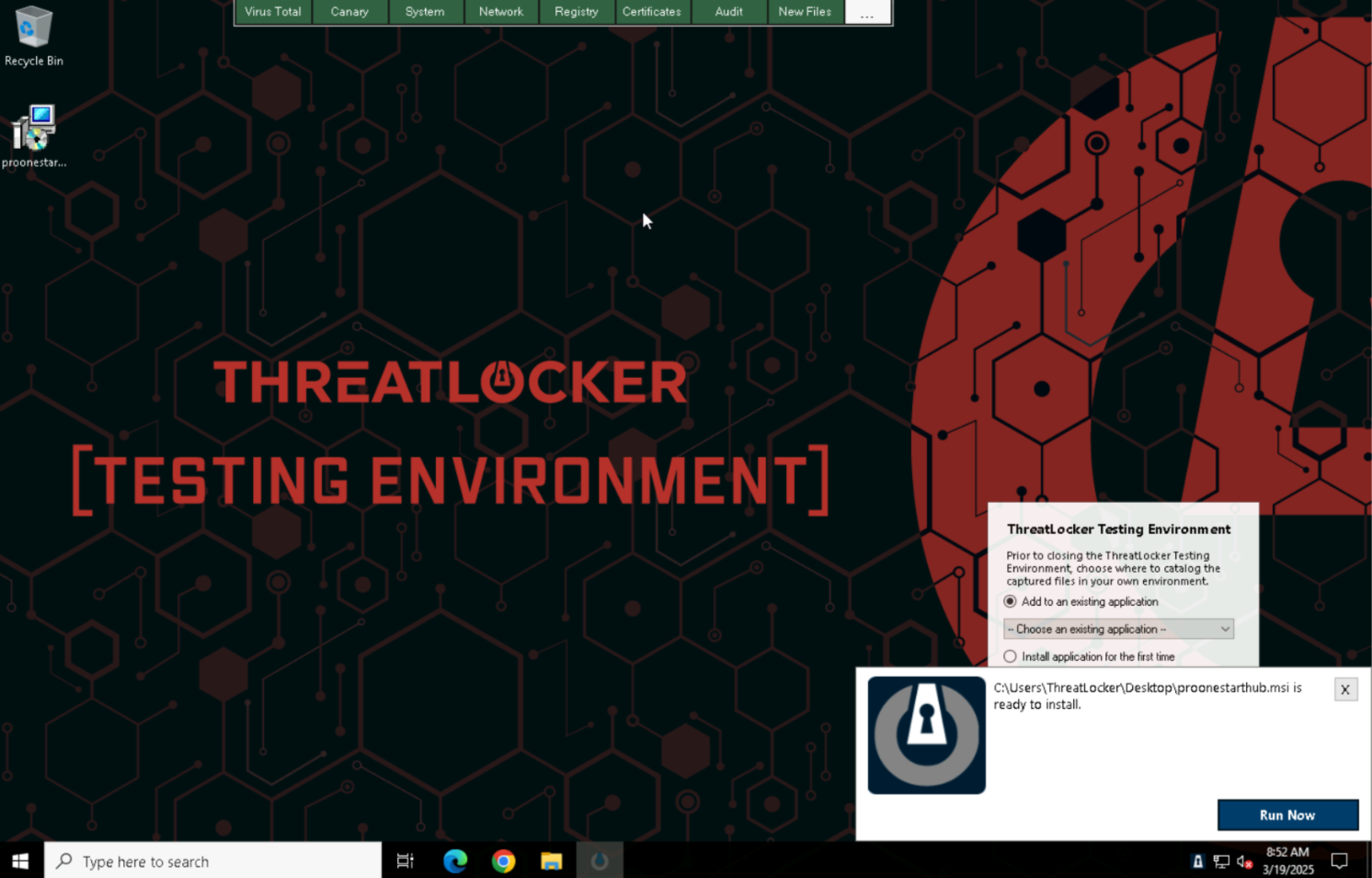
Recently, a client received a file from their marketing agency. It was flagged by ThreatLocker, so we ran it through VirusTotal—a tool that scans files against dozens of virus engines.
The result? Multiple security alerts. The file contained malicious scripts, likely an attempt to compromise the business. Because it was blocked before execution, the client avoided a major security breach.
This level of proactive security is what makes application whitelisting so powerful.
Many companies think that disabling admin rights is enough to stop malware. But the truth is, hackers don't need admin access to steal data.
At MJN Technology, we perform Level 1 Penetration Tests, simulating real-world cyberattacks. One test we run extracts saved passwords from a browser—even on computers where admin rights are restricted.
All it takes is one click on a malicious file, and a hacker can gain access to login credentials, business accounts, and sensitive data.
With ThreatLocker, this can't happen. Since nothing runs without approval, hackers have no way to execute their attacks.
If your company isn't using application whitelisting, you're leaving the door open to cyber threats. ThreatLocker provides:
At MJN Technology, we strongly believe in a proactive security approach. If you want to see how ThreatLocker can protect your business, we'd be happy to set up a free demo.